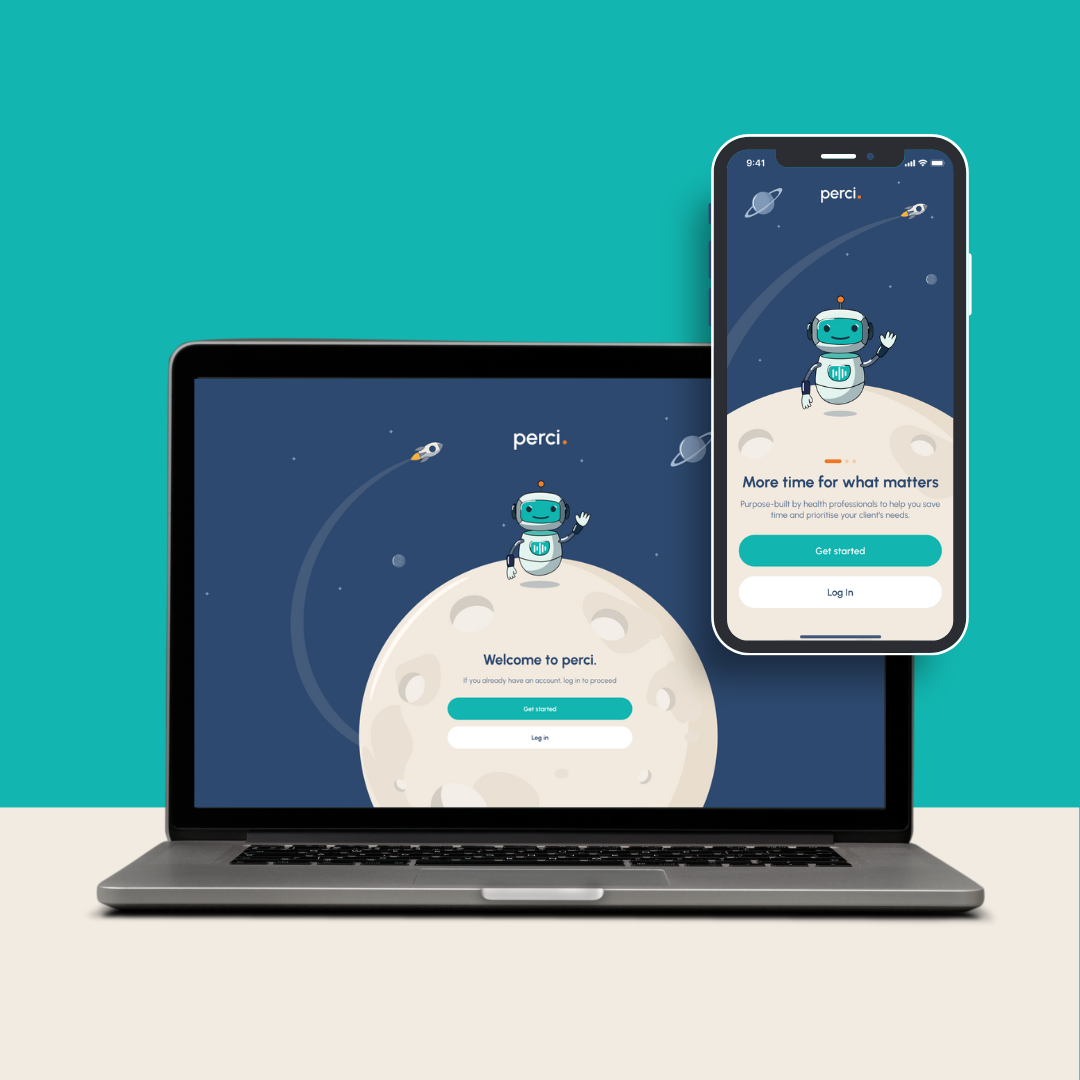
Using Perci on mobile and web
Use Perci mobile app for calls and meetings
Use the Perci app installed on your mobile phone for:
Use Perci via your web browser for uploading contacts, and reviewing your notes
You can set up contacts using your phone, but if you need to bulk import a large number of contacts into Perci, the Perci web is best, as there is a bulk import button to import your contacts from Excel.
Need help with importing your contacts? We can assist you - just contact us!
Reviewing your notes at your desk? Perci web is best for this too, that way you can review and copy/paste your notes into your client management system or report.
Have an admin team?
Contact us to arrange access to Perci's admin console for your admin assistants, so they can help with set up.